Safety & Security Help
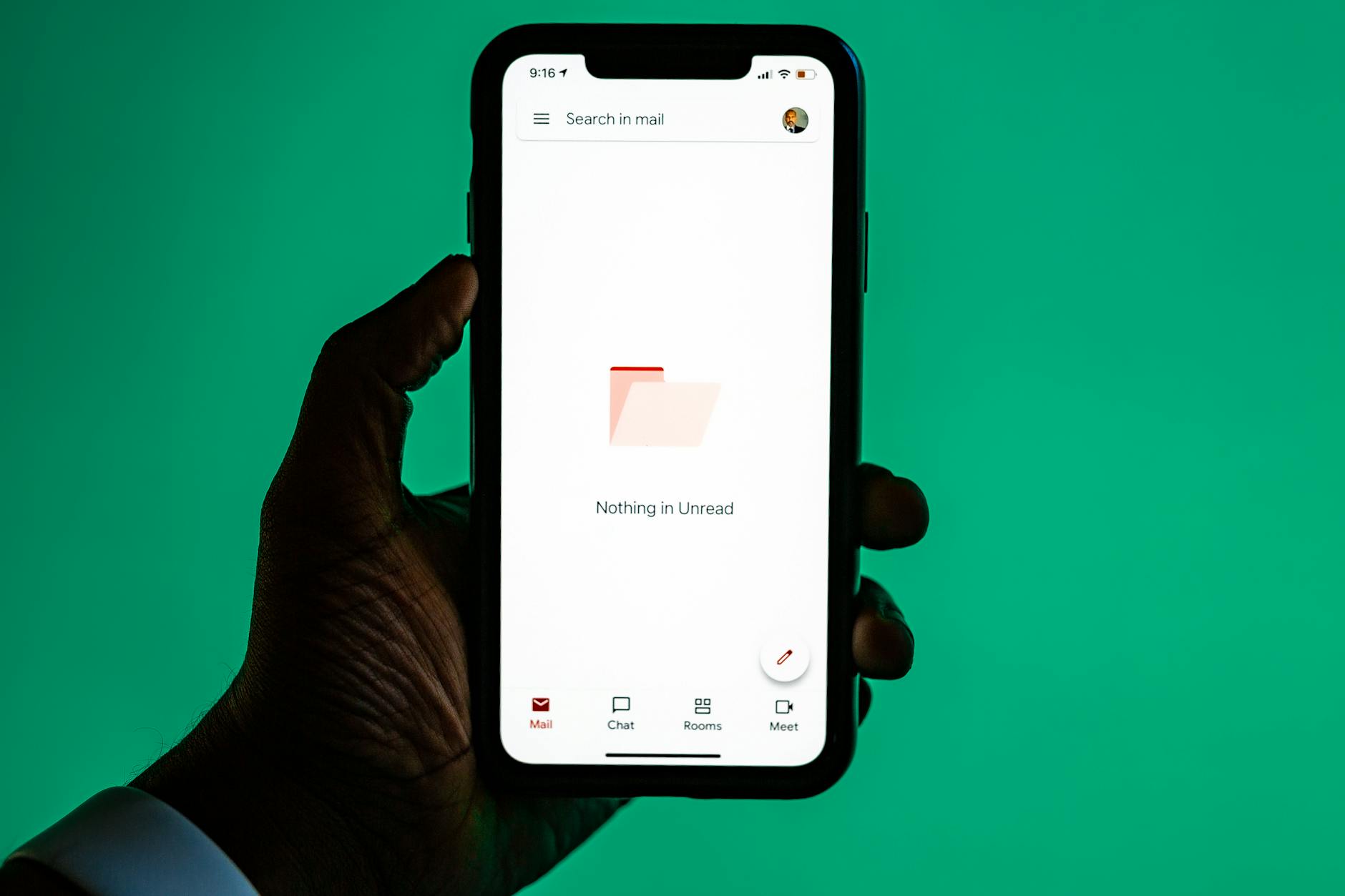
How to Unsubscribe from Spam Emails
Clean up your inbox and stop getting unwanted messages.
Open tutorial
Step-by-step video lessons
These tutorials are short, practical, and written in plain language. Open any guide to see clear steps and simple visuals.
Safety & Security Help
Clean up your inbox and stop getting unwanted messages.
Open tutorial
Safety & Security Help
Keep your device running smoothly and securely.
Open tutorialSafety & Security Help
Learn the warning signs of scams and how to stay safe. In this video, I'll show you how to spot a scam message. Be careful of messages that say 'act now' or 'your account is locked.' Check the sender - do you recognize it? Look for spelling mistakes or strange links. Never send money or codes. If something feels off, don't click - call us instead.
Open tutorialSafety & Security Help
If you clicked a suspicious link, here's what to do. First, turn off Wi-Fi. Do not enter any passwords. Next, change your important passwords like email and banking. Turn Wi-Fi back on after. If you're unsure, call us right away - we'll help secure your device..
Open tutorial
Safety & Security Help
Keep track of your passwords and protect your information. In this video, I'll show you how to keep track of your passwords. Write them in a notebook or use a password app. Include the website, username, and password. Keep it in a safe place. Never share your passwords with strangers. If you want help organizing them, we can help.
Open tutorialUnplug your modem and router for 30 seconds, plug the modem back in first, wait for its lights to settle, then plug the router back in. Test one device close to the router.
On most phones: open Settings → Display → Font size, and slide it larger. We can walk you through your exact device on a Get Live Help session.
Do not click any links. Do not enter passwords. Take a screenshot and call us — we will help you confirm whether it is a scam and what to do next.
Look for a “Forgot password?” link on the sign-in screen. We can help you reset it safely and store it in your password vault so you do not lose it again.
Open a live help session and a patient helper can chat with you and — if you choose — see your screen to walk you through each step.